
Free Year Long Timeline Template for PowerPoint & Google Slides
Product Description
Description
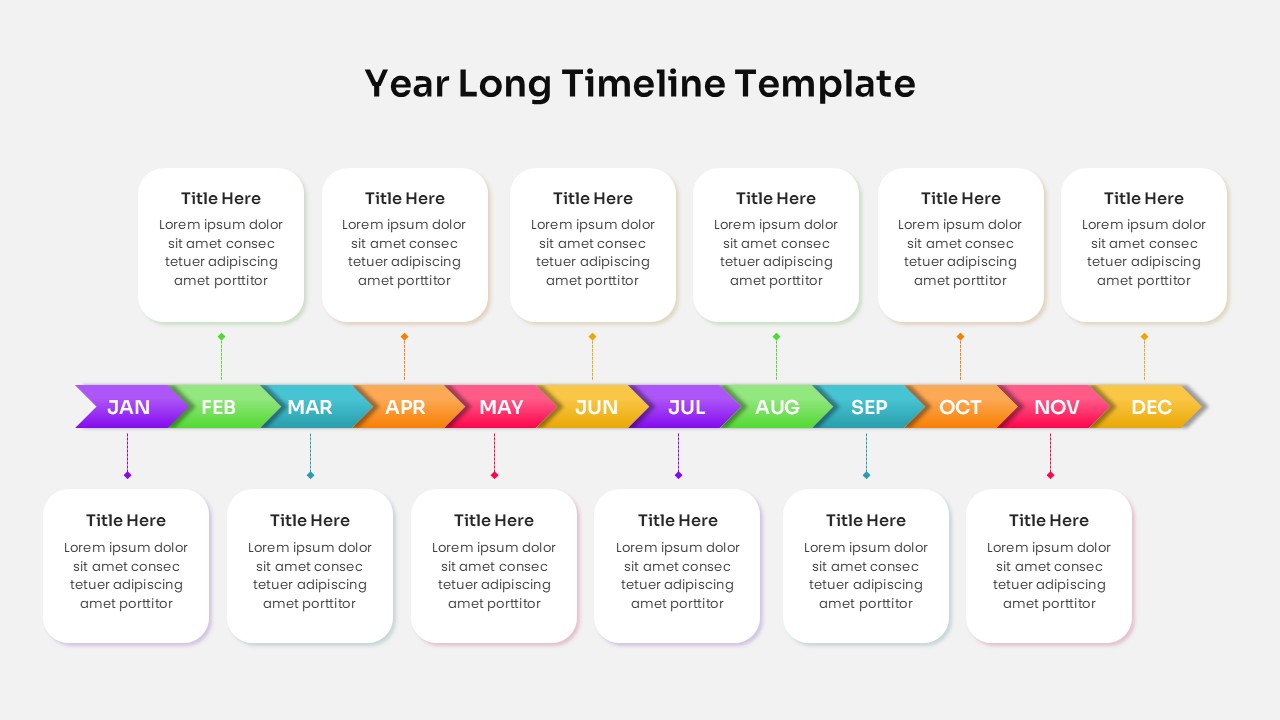
This free year long timeline slide is designed to present plans, milestones, or progress across all twelve months in a clear visual format. It is a fully editable presentation template, compatible with PowerPoint and Google Slides. The layout follows a horizontal monthly flow from January to December, making it ideal for structured annual storytelling.
The template combines colorful month indicators with clean content boxes to help audiences quickly understand timelines. It is suitable for both professional and educational use, offering clarity without visual clutter.
What’s Inside the Template
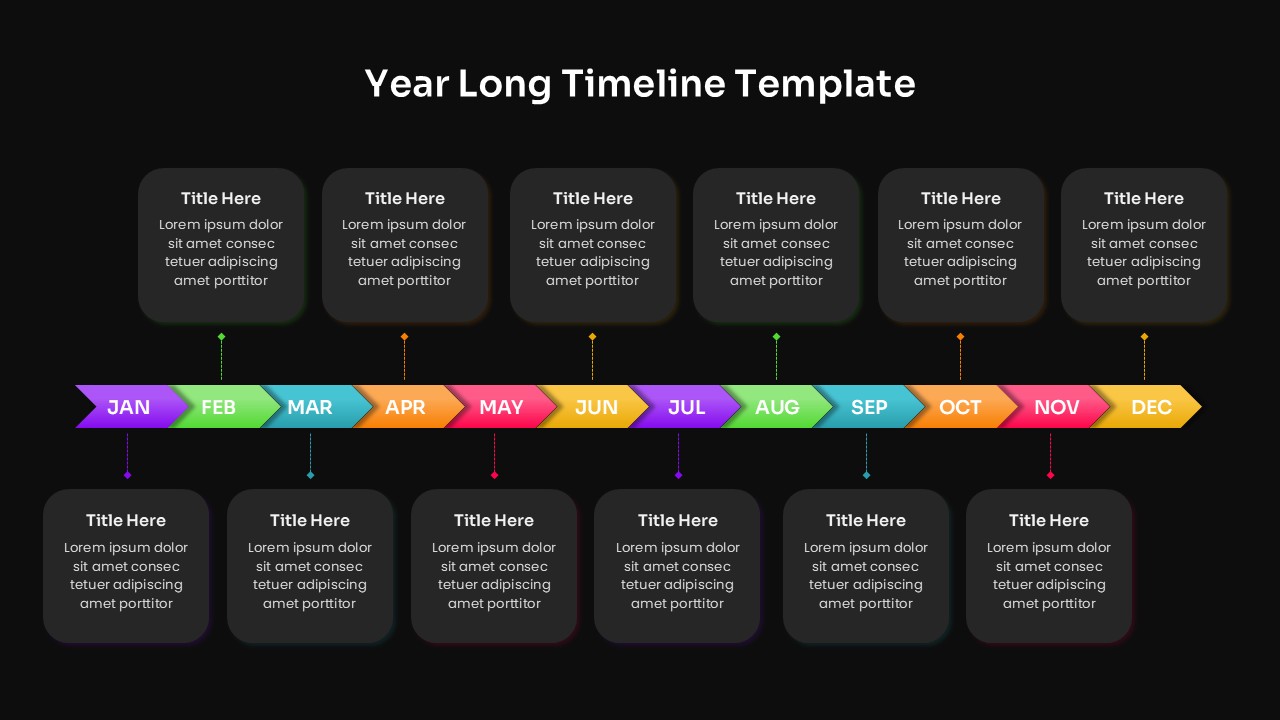
The template includes a single comprehensive timeline slide covering all twelve months of the year. Each month is represented by a color coded arrow segment placed along a central horizontal line. Above and below the timeline, rounded content cards allow space for titles and short descriptions. These text areas can be customized to reflect goals, tasks, events, or milestones for each month.
Key Features
- Fully editable monthly timeline from January to December
- Color coded segments for clear visual separation
- Clean content cards for concise explanations
- Simple structure suitable for annual planning
- Easy text, color, and font customization
- Optimized for presentations and reports
Ideal For
This free timeline template is ideal for business planning, project roadmaps, academic schedules, marketing calendars, and yearly performance reviews. It works well for managers outlining annual goals, educators mapping curricula, and teams presenting long term plans. The design supports clear communication during meetings and presentations.
Slide Highlights
The central timeline visually anchors the slide and guides viewers smoothly through the year. Distinct colors help differentiate months at a glance, while the balanced placement of content boxes prevents overcrowding. The design ensures that both high level overviews and detailed notes can be shared effectively on a single slide.
Compatibility & Formats
The template is fully compatible with PowerPoint and Google Slides. All elements are editable directly within the software without the need for external design tools. It maintains formatting consistency across devices and platforms.
Login to download this file
What do you think of this template?
Category:
Infographics
Aspect Ratio: 16:9
Item ID: SPT0099
Color



