
Yes No Decision Flow Diagram Template for PowerPoint & Google Slides



Product Description
Yes No Diagram Template
This Yes No decision flow diagram template is designed to help presenters illustrate decision making paths with clarity and visual simplicity. The product is a fully editable presentation template, compatible with PowerPoint and Google Slides. It provides a structured format for mapping conditional logic, process routing, and step by step evaluation, making it easier for teams and audiences to follow complex decision structures. The colorful icons and clean directional flow support intuitive understanding, whether the diagram is used for business processes, troubleshooting, training, or strategic planning. All shapes, arrows, and text elements can be customized to match your workflow or organizational guidelines.
What’s Inside the Yes No Diagram Template
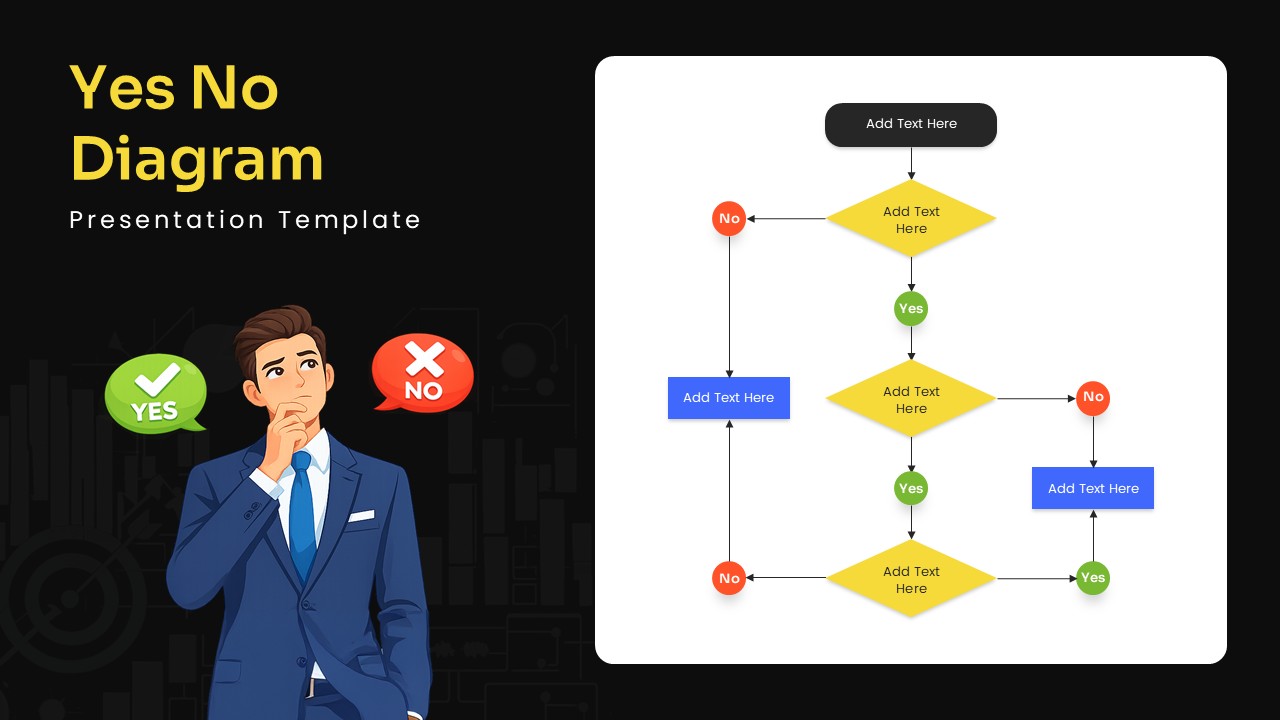
The slide features a vertical flowchart with diamond shaped decision nodes in yellow, connected by arrows that branch into Yes or No paths. Each decision point leads to blue or yellow action boxes that represent resulting steps or outcomes. On the left side, a business character illustration and large buttons labeled Yes and No reinforce the theme and add visual engagement. The layout is spacious, ensuring that every step in the flow remains readable and logically connected.
Key Features of Yes No Diagram Template
• Editable Yes No decision flowchart structure
• Color coded nodes and action blocks for quick recognition
• Clear directional arrows that simplify complex branching
• Professional illustration to enhance visual appeal
• Fully customizable in PowerPoint and Google Slides
• Suitable for decision trees, troubleshooting steps, and process evaluations
Ideal For
Business analysts, trainers, consultants, product teams, and educators can use this template to explain workflows, guide problem solving, outline approval processes, or demonstrate logic based decision making. It works well in corporate presentations, workshops, SOP development, and instructional materials.
Slide Highlights
The combination of bright Yes and No markers, clean arrows, and well spaced decision points creates a clear and intuitive flow. The illustrated character adds a relatable storytelling element, making the slide feel approachable while still maintaining a professional tone. The modern color palette and rounded shapes ensure that the diagram is visually cohesive and easy to interpret.
Compatibility & Formats
This template is fully compatible with PowerPoint and Google Slides. Users can modify text, alter colors, replace icons, and scale shapes to adapt the diagram to different decision processes. It fits seamlessly into broader process oriented or instructional slide decks.
Login to download this file
What do you think of this template?
Category:
Business Strategy
Aspect Ratio: 16:9
Item ID: SPT0447
Color


Related Templates
-
-
-
-
-
-
-
-
-
-
Rapid Model Process Diagram Template for PowerPoint & Google Slides
Project Management
-
-



