Area Chart PowerPoint Template

This template is part of a deck featuring multiple slides. To check out all slides.
See AllProduct Description
Description
This professionally designed area chart presentation template provides a clean and visually engaging way to showcase data trends over time. With its modern layout and balanced use of color, the template helps presenters communicate insights clearly—whether comparing multiple product lines, illustrating performance patterns, or highlighting monthly variations. The slide’s composition blends analytical clarity with an approachable aesthetic, making it suitable for both executive briefings and mainstream business presentations.
What’s Inside the Template
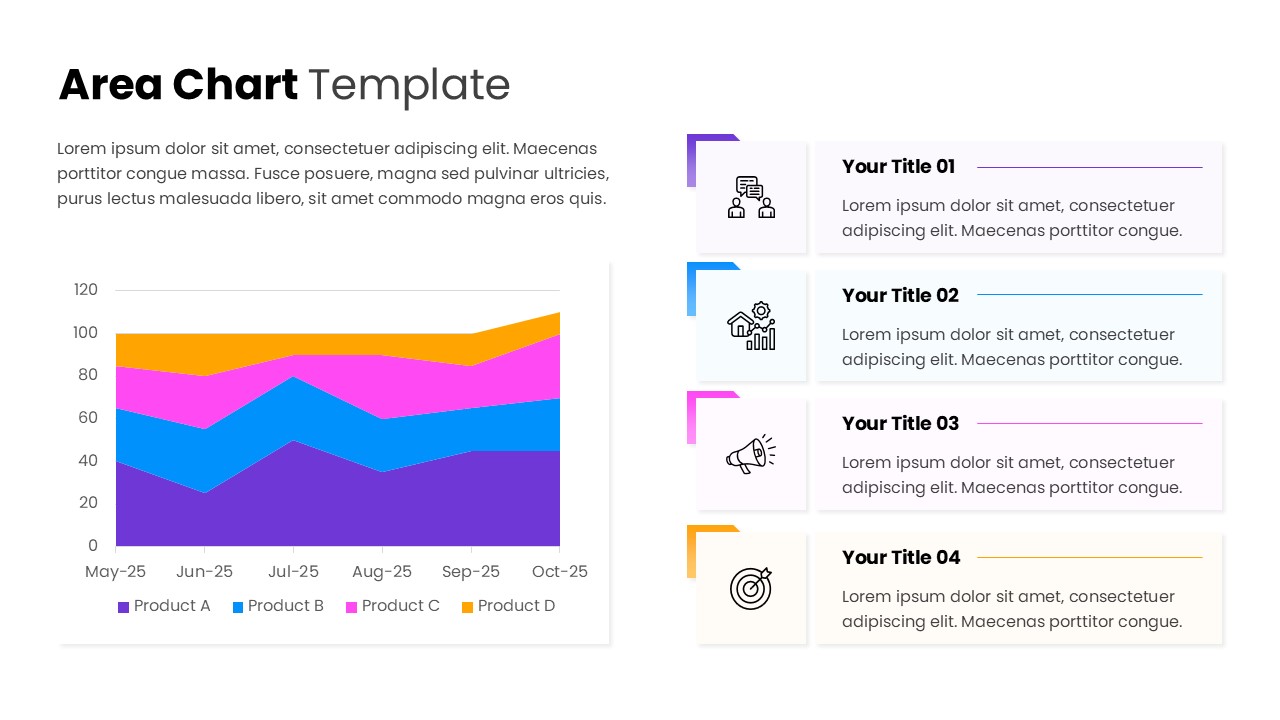
The template includes a spacious, multi-series area chart designed to display performance metrics across six time intervals. Each product line is represented through distinct color segments that layer seamlessly, making it easy to compare contributions and identify trend shifts. On the right side, four neatly structured text blocks with icons allow you to break down supporting insights, summarize findings, or present key takeaways that complement the chart visualization.
Key Features
- Multi-series area chart with smooth, readable color stacking
- Four accompanying text modules for insights, explanations, or recommendations
- Clean grid alignment ensuring consistent visual hierarchy
- Modern iconography to support thematic clarity
- Balanced white space for easy readability across screens and projection formats
Ideal For
This template is ideal for anyone presenting data-driven narratives, including analysts, marketing teams, product managers, educators, consultants, and business leaders. It suits trend reviews, performance recaps, growth monitoring, and any scenario where visual clarity and structured explanation are essential.
Slide Highlights
The dominant feature is the layered area chart that visually maps product performance from May to October, allowing viewers to quickly interpret cumulative and individual trends. On the right, each insight card is accentuated with a colored corner tab that aligns with the chart’s palette, creating a cohesive visual story. The icons add an intuitive cue for each topic—perfect for guiding the audience’s attention toward key themes or recommendations.
Compatibility & Formats
The template is fully compatible with both PowerPoint and Google Slides, ensuring smooth editing, font consistency, and layout adaptability across platforms. Colors, text, and icons can be customized easily to fit brand guidelines or presentation needs without compromising the design integrity.
Login to download this file
What do you think of this template?