Free Column Chart PowerPoint Template Dark

Free Column Chart PowerPoint Template Dark

This template is part of a deck featuring multiple slides. To check out all slides.

See All round right arrow
Free Column Chart Template

Product Description

Description

This free column chart template offers a clean, data-forward layout ideal for presenting project comparisons, performance results, or category-based metrics. Its modern structure allows teams to break down insights clearly while maintaining a polished, professional appearance. Each chart is designed to emphasize measurable differences across categories, helping presenters tell a compelling story with clarity and visual balance.

What’s Inside the Template

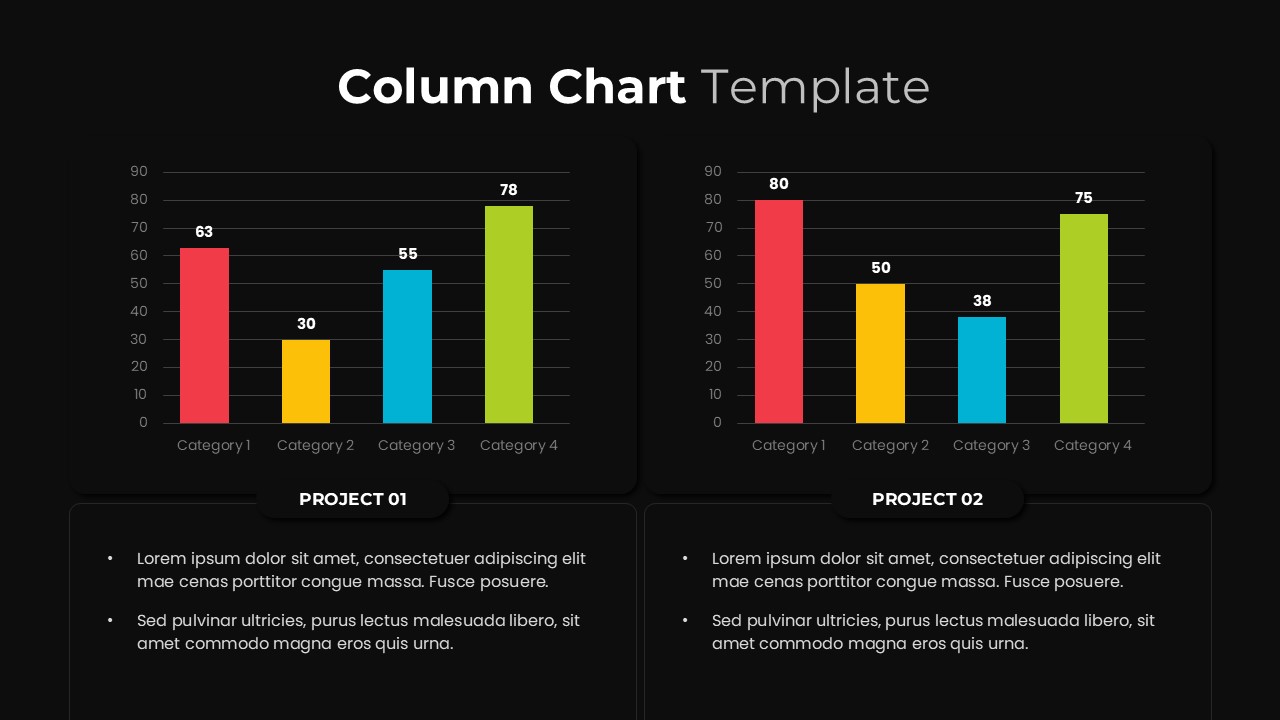
The template includes two side-by-side column chart layouts, each labeled for individual project comparison. Every chart contains four category columns with distinct colors, numeric value labels, and a consistent gridline system to support accurate interpretation. Below each chart, corresponding text areas provide space for project summaries, analysis notes, or key takeaways. The combination of charts and explanatory bullet points helps presenters articulate both quantitative and qualitative insights seamlessly.

Key Features

  • Professionally designed dual-chart layout for project comparison
  • Clear numeric labels for easy data interpretation
  • Balanced color palette to differentiate categories visually
  • Text sections for project descriptions, insights, or recommendations
  • Fully editable graphics, fonts, and colors in both PowerPoint and Google Slides
  • Clean, minimal spacing to keep data readable and distraction-free

Ideal For

This template is well-suited for analysts, project managers, business teams, marketers, educators, and anyone presenting performance comparisons or progress reports. It is especially helpful for dashboards, quarterly reviews, research summaries, and internal team updates where visual clarity is essential.

Slide Highlights

  • Dual column charts: Each chart presents four categories with contrasting colors for fast cross-project comparison.
  • Project label sections: Dedicated titles (“Project 01” and “Project 02”) ensure easy navigation and separation of insights.
  • Bullet-point analysis area: Users can outline drivers, observations, or recommended actions beneath each chart.
  • Modern layout: Rounded containers, soft shadows, and clean typography contribute to a high-end professional look.

Compatibility & Formats

This free template is fully compatible with PowerPoint, Google Slides, and other major presentation tools that support standard PPTX formatting. All elements—including charts, text blocks, and shapes—are editable to match brand guidelines or dataset requirements.

Login to download this file

What do you think of this template?

Rating

0.0

(0 reviews)