Free Dark Comparison Chart Template

This template is part of a deck featuring multiple slides. To check out all slides.
See All
Product Description
Description
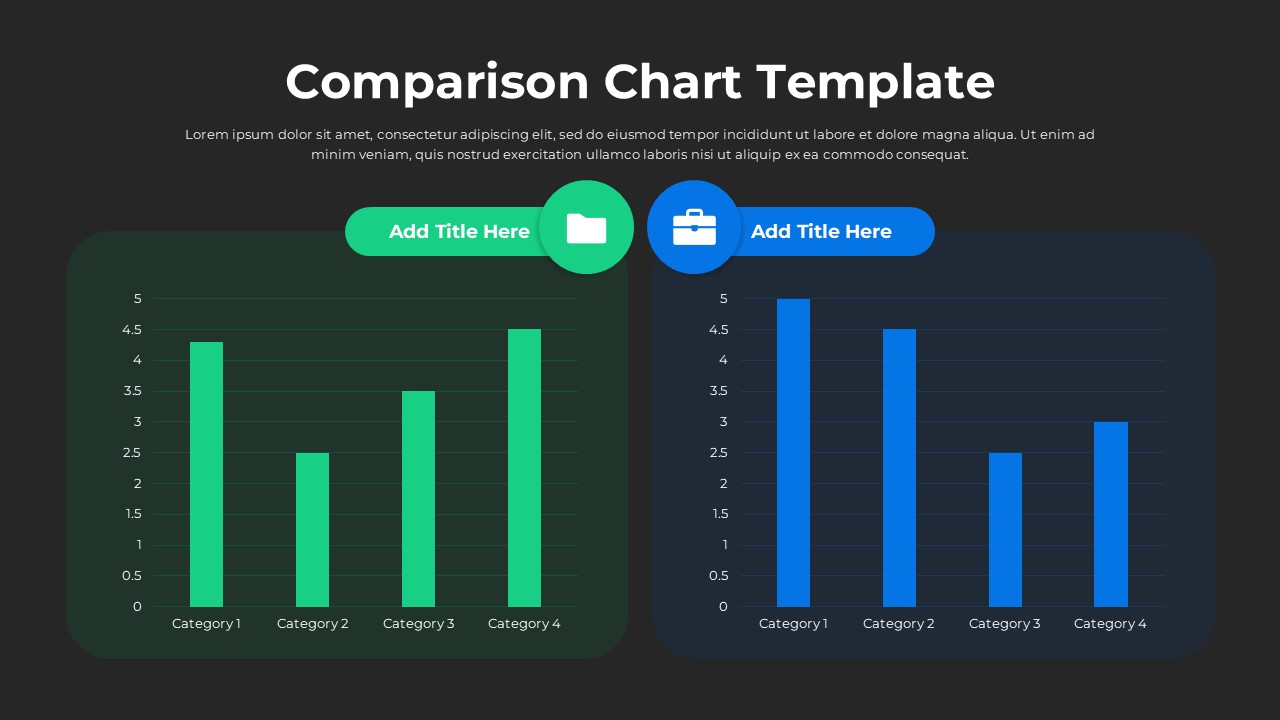
This free Comparison Bar Chart Presentation Template offers a clean and visually balanced layout designed to help users contrast two data sets side by side with clarity. Its dual-panel structure one in green tones and the other in blue creates an immediate visual distinction, making it easier for audiences to interpret differences, trends, and performance values during reports or presentations. The template is crafted for presenters who want an intuitive and professional way to communicate comparative insights across categories without overwhelming viewers.
What’s Inside the Template
The design features two adjacent bar chart panels, each dedicated to a separate comparison group or dataset. The left section uses green vertical bars, while the right section uses blue bars, both supported by clear numerical axes, category labels, and spacing optimized for readability. Each panel includes a title area at the top, where users can insert headings for groups, time periods, or performance metrics. Rounded container shapes and subtle shadows contribute to a polished, modern layout that fits well in business, academic, or project-based contexts.
Key Features
- Dual comparison bar-chart layout for clear side-by-side analysis
- Editable text areas for titles, labels, and value descriptions
- Distinct green and blue color palettes to differentiate datasets
- Clean, modern visual style suitable for formal presentations
- Fully customizable for metrics, KPIs, survey results, or departmental performance
- 100% free to download and use
Ideal For
This template is ideal for business analysts, project managers, educators, marketers, and team leads who need to highlight differences between two units such as departments, product lines, customer segments, or time-period results. It also works well for executive summaries, quarterly reviews, and project status updates.
Slide Highlights
- Left comparison panel: Green bar chart representing four categories with values that gradually vary for balanced contrast.
- Right comparison panel: Blue bar chart showcasing a second dataset aligned with the same categories for direct comparison.
- Top labels: Clearly defined title modules to introduce each data group.
- Soft rounded containers: Add approachability and visual separation without clutter.
Compatibility & Formats
This free template is fully compatible with PowerPoint and Google Slides, ensuring smooth editing, exporting, and sharing across devices and teams.
Login to download this file
What do you think of this template?